
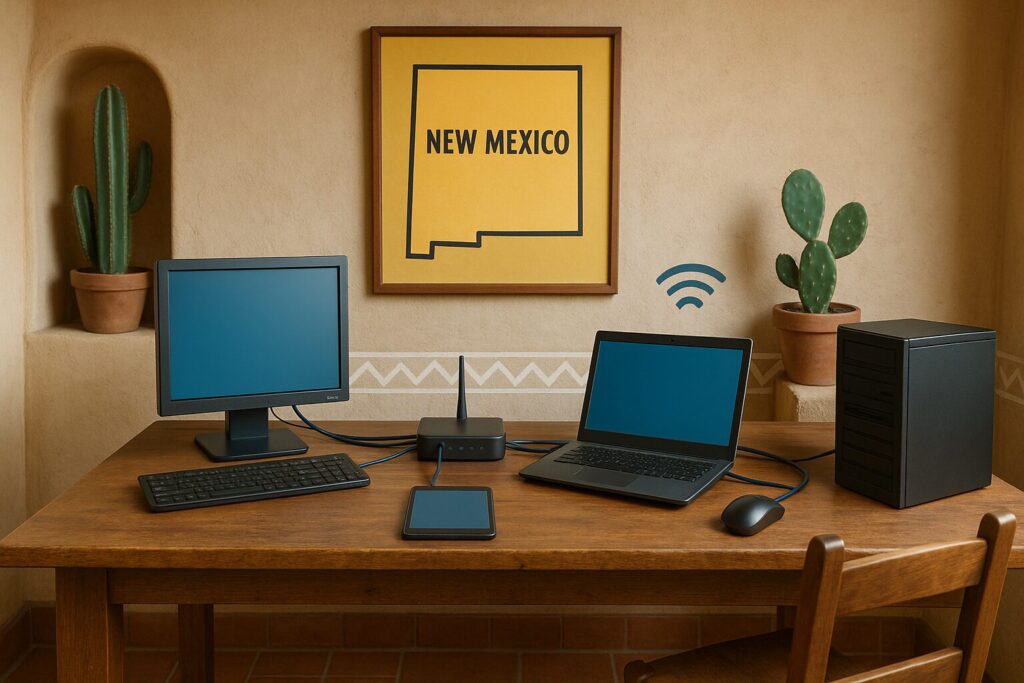
What if your business could run multiple servers, desktops, and firewalls using just one physical machine?
For many small and midsize businesses, that idea is not just possible; it is already delivering results. As IT costs continue to rise, companies are turning to IT hardware virtualization as a smarter, more scalable approach to managing infrastructure.
In this post, we’ll explain what IT hardware virtualization is, which types of hardware can be virtualized, how it works at a high level, and why small businesses are embracing it to reduce costs, increase flexibility, and simplify IT.
What Is IT Hardware Virtualization?
IT hardware virtualization is the process of using one physical device to take on the role of many. Instead of relying on separate pieces of equipment for each function, businesses use a single system to handle multiple roles. For example, one machine can run virtual servers, firewalls, desktops, and storage systems at the same time.
This works because most hardware devices are only partially used. Virtualization makes better use of those underutilized resources, reducing waste and improving efficiency. With virtualization, businesses can replace multiple standalone devices with one well-configured system that does more with less.
Types of IT Hardware That Can Be Virtualized
Virtualization can apply to many parts of your IT environment. Here are some common types of IT hardware that businesses virtualize:
- Servers: Virtual servers allow multiple server environments to run on a single physical machine. These can be used for file sharing, applications, databases, or web hosting.
- Desktop Computers (VDI): Virtual desktop infrastructure (VDI) enables employees to access their desktop environment from almost any device, making it ideal for remote or hybrid work.
- Firewalls and Security Appliances: Virtual firewalls provide strong network protection while being easier to deploy and scale than physical units.
- Network Devices (Routers and Switches): Virtual networks replace traditional physical routers and switches with software-based systems that are easier to configure and manage.
- Storage Devices: Virtual storage systems pool physical storage resources together, making it easier to manage space, backups, and performance.
By virtualizing these components, businesses gain more flexibility, reduce clutter, and lower their reliance on costly hardware upgrades.
Why Small Businesses Virtualize IT Hardware
Businesses adopt IT hardware virtualization for a number of strategic reasons, especially when looking to improve performance while controlling costs.
Lower Capital and Operational Costs: When fewer physical devices are needed, the costs of purchasing, powering, and maintaining hardware go down. One virtualized system can take the place of several underused machines, reducing both upfront spending and long-term operating costs.
Easier IT Management: With fewer physical systems to monitor and maintain, IT becomes easier to manage. Updates, security patches, and system checks can be centralized and automated, allowing IT staff to focus on bigger goals instead of troubleshooting hardware.
Improved Business Continuity: Virtual systems are easier to back up, move, and restore. If a hardware failure occurs, critical services can be brought back online more quickly. This helps reduce downtime and protects your business from unexpected disruptions.
Faster Setup of New Systems: Virtual environments can be created in minutes instead of days or weeks. Whether you are onboarding a new team, testing a new application, or expanding your operations, virtualization helps you move faster.
Better Use of Resources and Energy: Consolidating hardware reduces the number of machines running around the clock. This not only saves energy but also supports environmentally responsible IT practices.
How Small Businesses Virtualize IT Hardware
To virtualize IT hardware, businesses use specialized software that creates virtual versions of devices like servers, desktops, firewalls, and switches. These virtual systems operate independently, even though they are hosted on the same physical machine.
The software used will vary depending on what is being virtualized and the platform involved. Here are some common tools businesses rely on for IT hardware virtualization:
- Microsoft Hyper-V – Common for server and desktop virtualization
- VMware vSphere – Often used in virtualized data centers and hybrid environments
- Citrix – Known for desktop and application virtualization, especially in remote work settings
- Proxmox VE – Open-source platform for virtual machines and containers
- Nutanix AHV – Virtualization within hyperconverged infrastructure
- Red Hat Virtualization – Enterprise-ready virtualization for Linux-based systems
These platforms help businesses consolidate IT systems, improve flexibility, and maintain control over performance and uptime.
Case Study: Simpleview Inc.
Simpleview Inc., a tourism software company with fewer than 100 employees, faced a challenge. They needed separate environments for different client apps, but could not justify the cost and space requirements of maintaining multiple physical servers.
The company chose to virtualize its infrastructure. What was once 15 physical servers became 60 virtual systems hosted on a much smaller number of machines. This move reduced their hardware footprint, saved on energy and cooling costs, and made backup and maintenance far more efficient.
By switching to virtual systems, Simpleview improved performance, scaled more easily, and reduced IT overhead—all without a major increase in budget.
(Source: Server Virtualization Guide for Small Business)
See also: benefits of outsourcing IT support for small businesses
How Zia Networks Can Help
Virtualization doesn’t have to be complicated when you have the right support. At Zia Networks, we make the process simple, cost-effective, and aligned with your business goals. Our cloud and IT infrastructure services are built to support your virtualization strategy from the ground up.
- We assess your current infrastructure: Our team reviews your IT environment to identify opportunities for consolidation and efficiency.
- We handle setup, migration, and support: From initial planning to full deployment, we manage the process and keep your systems running smoothly.
- You get expert guidance and reliable performance: We ensure your virtual environment is secure, scalable, and easy to manage.
- Solutions built for small businesses: Our approach fits your budget and priorities, helping you reduce costs without sacrificing quality.
With Zia Networks, you get a trusted partner focused on helping your business save money, simplify IT, and prepare for the future.
Ready to Simplify and Save with Virtualization?
IT hardware virtualization helps small businesses do more with less. It reduces costs, simplifies management, and allows you to adapt quickly to change. Whether you are virtualizing desktops, servers, firewalls, or networks, the benefits can have a major impact on your business.
Companies like Simpleview have already made the switch and are seeing faster deployments, improved uptime, and lower infrastructure costs.
Interested in learning how IT hardware virtualization could work for your business?
Contact Zia Networks for a no-cost business technology assessment and discover how much you could streamline your operations.