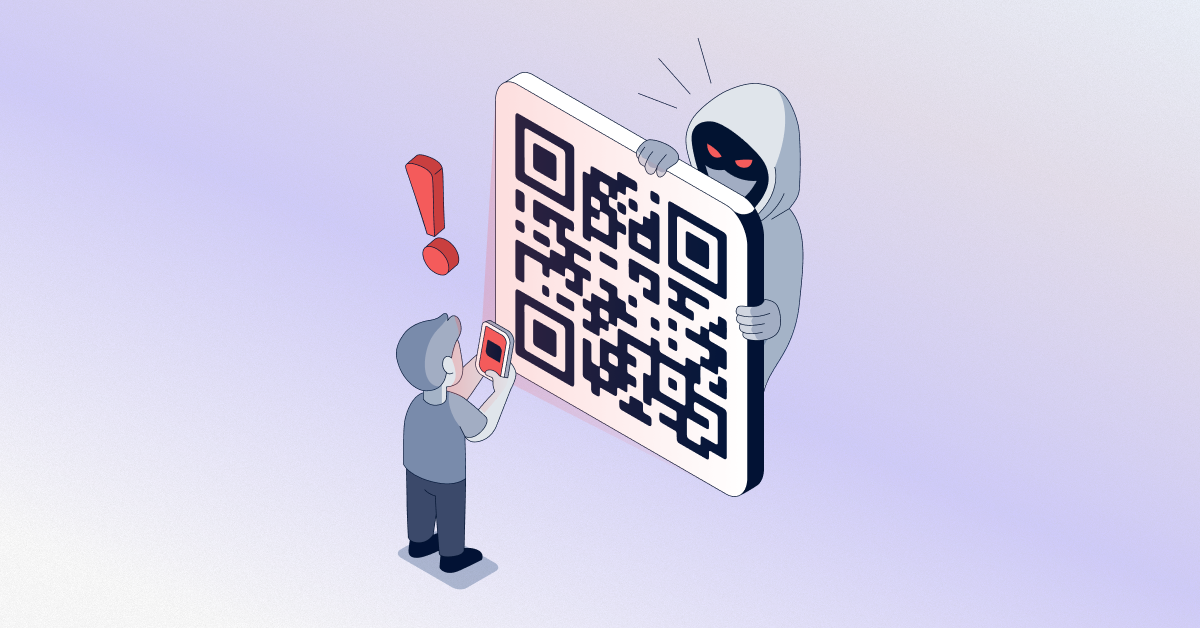
Chances are you’ve scanned a QR code without thinking about it in the last seven days. Perhaps it appeared on a restaurant menu, parking meter, flyer, or “quick payment” sticker at a coffee shop. That’s what makes QR code phishing so dangerous. It hides within a behaviour we rarely question.
“Quishing” – fraud by using a QR code – is one of the fastest-growing methods of fraud in 2026. It bypasses email filters and antivirus software. Instead, it gets straight to your trusted device: the phone. We’ve had many requests from clients for information about this threat here at ZIA Networks. So, we’re going to explain what it is, how it works, and how to avoid losing money to it.
What Is QR Code Phishing?
QR code phishing, also known as “quishing”, is a phishing scam. It inserts a fraudulent link into a QR code instead of a text link or email attachment. When you scan the code with your phone’s camera, it directs you to a bogus site.
The site may ask for your login information, banking details, or personal details. In some cases, malware may also install on your phone without you realising it.
Why it works:
With a normal phishing email, you can hover over a link and preview the URL before clicking. A QR code removes that safeguard. You’re scanning blind. You trust that the code leads where it claims to, with no easy way to verify the destination beforehand.
How Do These Scams Work?
The playbook for most QR code redirect attacks is similar:
- Placement – A scammer prints out a fake QR code sticker and sticks it over a real QR code on a parking meter, restaurant table, event poster or public charging station.
- The attraction – The code is paired with urgent or enticing text: “Scan to pay your parking fine.” “Free Wi-Fi access,” “Claim your reward.”
- The redirect – Scanning the code sends you to a convincing but fake login page that mimics a bank, a delivery service, or a well-known brand.
- The theft – You enter your credentials, payment details, or personal information that is sent directly to the attacker.
Email is another major channel. Attackers now embed QR codes directly inside PDF attachments or email bodies. They do this because many spam filters scan text and links, but not images. As a result, email-based QR code phishing can help attackers bypass some existing cybersecurity tools.
Why Are These Scams Becoming More Common?
There are several reasons that QR code scams have dramatically increased in the last couple of years:
- QR codes became the trend of the pandemic as contactless menus and touch-free payments became the norm almost overnight.
- QR codes are also more likely to be trusted due to their official and familiar appearance. People might assume that a QR code is not a threat to be considered and will scan it without any hesitation.
- But faking one takes about thirty seconds and costs next to nothing. Phones just aren’t as locked down as work laptops. There’s no IT team pushing updates, no corporate firewall, no email gateway filtering what comes through — it’s just you and whatever the code points to.
- The tools built to stop phishing weren’t built for this. A QR code is neither of those – it’s an image – so it slips through defences that would’ve caught the exact same link if it had been typed out.
Scammers increasingly use QR phishing to target individuals and businesses. Typical security technologies don’t always detect threats based on QR codes.
How Can You Tell If a QR Code Is Fake Before Scanning It?
You don’t need to be a security expert to catch most fake QR codes. Most of the time, you just need to pause for two seconds before tapping “open”. Here’s what you should check:
It Looks Like a Sticker Slapped Over the Real One
Run your finger over the code. If it feels raised, slightly crooked, or like another code sits underneath it, that’s an obvious warning sign. Legitimate businesses don’t usually paste a new QR code over an existing one. Scammers, however, may place fake codes on parking meters or restaurant tables.
It’s rushing you to act fast.
If you receive a message such as “Pay now”, “Offer ends soon”, or “Verify your account immediately”, stop and think. The message tries to make you act before you have time to consider the situation. A QR code combined with urgent language should always raise a red flag.
It showed up somewhere you weren’t expecting.
A code taped to a random pole is one example. A QR code in an unexpected text message is another. The same applies to an email from someone you don’t know.
That situation differs from a code printed on your regular restaurant menu or your gym’s check-in screen. Context matters. If a QR code feels out of place, trust that instinct.
It Asks for Sensitive Info Way Too Fast
If scanning a code immediately prompts you for a password or card number, stop. You may not even know which site you have opened yet. Close the page instead. Real, trustworthy businesses rarely ask for sensitive details right away.
Something About the URL Just Feels Off
Most phones give you a quick preview of the link before the page fully loads. Don’t skip it. Read the URL carefully.
Misspelled domain names, random strings of letters, or unfamiliar extensions such as .info or .xyz deserve a second look. Be especially cautious if the URL looks unusual for the business you expect to visit.
What Are the Warning Signs of a Suspicious QR Code?
You don’t need to be a security expert to catch most QR code social engineering attempts. Watch for these red flags:
- The QR code is a sticker placed over what looks like an original one.
- It creates urgency (“act now”, “pay immediately”, “limited time”)
- It appears in an unexpected place — an email, a text message, or a flyer with no clear sender.
- The linked page asks for login credentials, payment info, or personal data right away.
- The URL preview (if your phone shows one) looks slightly off — a misspelled domain, extra characters, or an unfamiliar extension
If any of these apply, don’t scan. Additionally, if you already have, don’t fill out the page that appears.
How Can You Protect Yourself From QR Code Scams?
Quashing this threat isn’t about avoiding QR codes altogether — they’re too useful for that. It’s about building a few smart habits and backing them up with the right tools.
For individuals:
- Preview the URL before opening it. Most phones show a link preview when you scan — always read it.
- Never enter passwords or payment details on a page reached through a QR code unless you’re certain of the source.
- Avoid scanning codes on unattended public surfaces like parking meters, ATMs, or community bulletin boards.
- Keep the operating system and apps on your phone up to date since patches frequently fix the vulnerabilities that hackers take advantage of.
For businesses:
- Train employees to treat QR codes with the same caution as email links.
- Deploy mobile threat defence tools that scan URLs before a page loads.
- Include QR code scenarios in regular phishing simulation and awareness training.
- Partner with a managed security service provider that actively monitors for emerging threats like quishing, rather than relying only on legacy filters.
Why Should QR Code Security Be Part of Your Cybersecurity Strategy?
Most companies have solid email security and endpoint protection, but few have specifically addressed QR code security as its own category. That’s a gap attackers are actively exploiting, and it’s one that traditional antivirus software simply wasn’t designed to close.
- Scanning and validating links embedded in codes before they reach the end user
- Monitoring for spoofed QR codes tied to your brand in phishing campaigns
- Educating staff and customers on how to verify a code’s legitimacy
- Layering QR-specific protections into your broader cybersecurity management framework, rather than treating it as a standalone problem.
This is precisely where working with an experienced security partner makes a measurable difference. At ZIA Networks, we build QR code phishing awareness and detection directly into our clients’ security posture, so it’s not an afterthought bolted on after an incident.
How ZIA Networks Helps Businesses Strengthen Cybersecurity
Good cybersecurity management isn’t about buying more tools — it’s about making sure the tools you have actually cover the threats you’re facing today, not the threats from five years ago. One flaw that has managed to evade several “standard” security stacks is QR code phishing.
Through the following, ZIA Networks assists organisations in bridging the gap:
- Threat monitoring that flags suspicious QR code campaigns targeting your brand or employees
- Email and web filtering tuned to catch image-based and embedded-link threats, not just plain text links.
- Employee training programs that specifically cover QR code phishing, alongside traditional phishing and social engineering
- Incident response planning so that if a QR code scam does succeed, the damage is contained fast.
If you’re evaluating vendors, it’s worth knowing what separates the best managed security service providers from the rest: proactive threat intelligence, fast response times, and security awareness training that actually keeps pace with how scammers operate today. QR phishing protection is a good litmus test — ask any potential provider how they specifically address it, and you’ll quickly learn how current their approach really is.
FAQ
1. What is QR code phishing called?
A: Most people in the security world just call it “quishing” — it’s basically “QR” and “phishing” mashed together. Basically, it’s when criminals use QR codes to steer people toward fake or malicious websites or trick them into downloading something harmful without ever realising what’s happening.
2. Can scanning a QR code alone infect my phone?
A: Most of the time, scanning just opens a link; inputting data or downloading a file is what poses the true risk. Caution is still necessary, as certain advanced QR code phishing schemes are meant to take advantage of browser flaws as soon as the page loads.
3. How can businesses protect against QR code scams?
A: Employee training, mobile threat defence software, and partnering with a managed security service provider that includes QR code monitoring in its cybersecurity management services are the most effective combination.
4. Are QR code scams only a problem in public places?
A: No. Email, text messages, social media ads, and even physical mail are increasingly used to deliver phishing attacks, making this a threat that follows you well beyond parking lots and restaurant tables.
