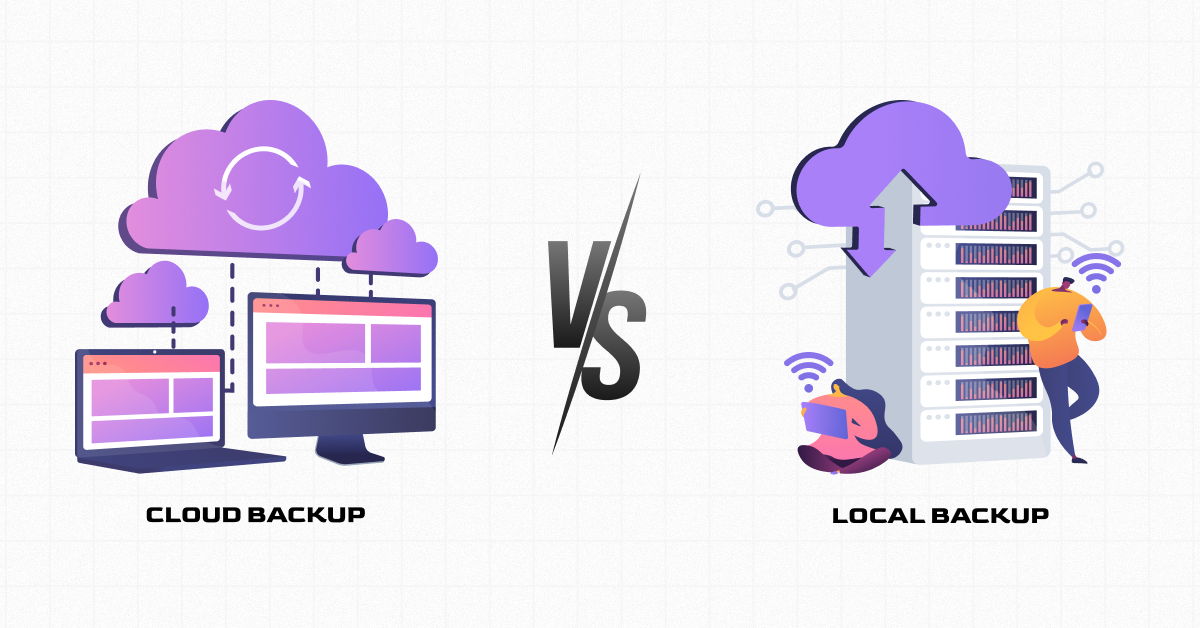
Ask ten small business owners about their cloud backup vs local backup setup, and you’ll usually get one of two answers: an external hard drive sitting in the office, or a cloud subscription running quietly in the background. Both feel like backup. Only one of them reliably survives a fire, a flood, or a ransomware attack that spreads across the network.
This post breaks down where each one genuinely shines, where each one falls short, and why the answer for most small businesses isn’t actually a choice between the two at all.
What’s the Difference Between Cloud Backup and Local Backup?
Local backup means copying your data to physical storage you control directly, an external hard drive, a network-attached storage device, or a second server in the same building. Cloud backup means sending an encrypted copy of your data to offsite servers that a third-party provider manages over the internet.
The core distinction isn’t really about which is “better” in the abstract. It’s about where your only good copy of your data actually lives, and what could take it out along with the original.
Local Backup: The Case For and Against
What local backup gets right
Local backup is fast. Restoring a single accidentally deleted file from a drive sitting three feet away takes minutes, not hours. It also doesn’t depend on your internet connection, which matters if you’re recovering data during an outage that took your connectivity down along with everything else.
Where local backup falls short
A local backup that stays in the same building as your original data shares its fate. A fire, flood, theft, or a ransomware attack that spreads across your network can take out your backup right along with the files it was supposed to protect. Local backup alone protects you from exactly one category of disaster: simple, isolated file loss.
Cloud Backup: The Case For and Against
What cloud backup gets right
Cloud backup stores your data somewhere physically separate from your office, so a local disaster doesn’t take out your only copy. Good cloud backup also keeps version history, so you can roll back to a clean copy from before a ransomware attack or accidental overwrite, not just the most recent, possibly damaged, version.
Where cloud backup falls short
Restoring a large amount of data from the cloud takes longer than pulling it off a local drive, since it depends on your internet connection and how much data needs to come back down. Cloud backup also isn’t automatically immune to ransomware. Modern attacks actively search for and try to encrypt or delete backup copies too, so cloud backup only holds up if it includes real protections like immutable storage that even someone with admin credentials can’t alter or delete.
Cloud Backup vs Local Backup: Side-by-Side
- Speed of restore: local wins for small, everyday file recovery.
- Survives a local disaster (fire, flood, theft): cloud wins, local backup alone does not.
- Protection from ransomware: neither is automatically safe; both need version history and, ideally, immutable storage.
- Dependence on internet access: local backup works offline; cloud backup does not.
- Best used for: local backup for quick day-to-day recovery, cloud backup for surviving anything that affects the whole office.

Why Most Experts Recommend Using Both
The honest answer to “cloud backup vs local backup” isn’t really a competition, it’s a pairing. Local backup handles the small, everyday mistakes: a deleted file, an accidentally overwritten document, something you need back in the next five minutes. Cloud backup handles the disasters that take out an entire office at once, the kind of event local backup was never built to survive.
Use both together, and you get fast recovery for the common, small stuff plus a real survival plan. For the uncommon, serious stuff. Use just one, and it leaves a real gap that the other was built specifically to cover.
How Zia Networks Approaches Backup for Small Businesses
At Zia Networks, we don’t set clients up with just one type of backup and call it done. We build a combined approach: local backup for fast, everyday recovery, and monitored, tested cloud backup with version history so your business can survive a disaster that affects your whole office, not just a single file.
We monitor backup jobs continuously and test restores on a regular schedule. So, we confirm a backup actually works before an emergency ever puts it to the test.
FAQs
1. Is cloud backup better than local backup for a small business?
Neither is strictly better on its own. Cloud backup vs local backup comes down to different strengths, local backup for fast recovery of small file losses, cloud backup for surviving a disaster that affects your whole office, which is why most small businesses benefit from using both.
2. Can ransomware affect cloud backup, not just local backup?
Yes. Modern ransomware often targets backup copies specifically, whether local or cloud-based, which is why immutable storage and version history matter regardless of where your backup lives.
3. Do I need to pay for both local and cloud backup?
Many small businesses do use both, since they protect against different risks. The right combination depends on how much data you have and how quickly you’d need to recover it.
4. How often should backups be tested?
For most small businesses, testing a real restore every three months is a reasonable starting point, more often if you handle sensitive data or high transaction volumes.
Not Sure Which Setup You Actually Have?
A lot of business owners assume they’re covered until they actually test their backup and find out otherwise. Paul Quintana, CEO of Zia Networks, offers a free, no-obligation review of your current backup setup, local, cloud, or both, to confirm it will actually work when you need it.
Book a call with Paul at zianetworks.net/book-a-call-with-paul, or call (505) 428-6544.
