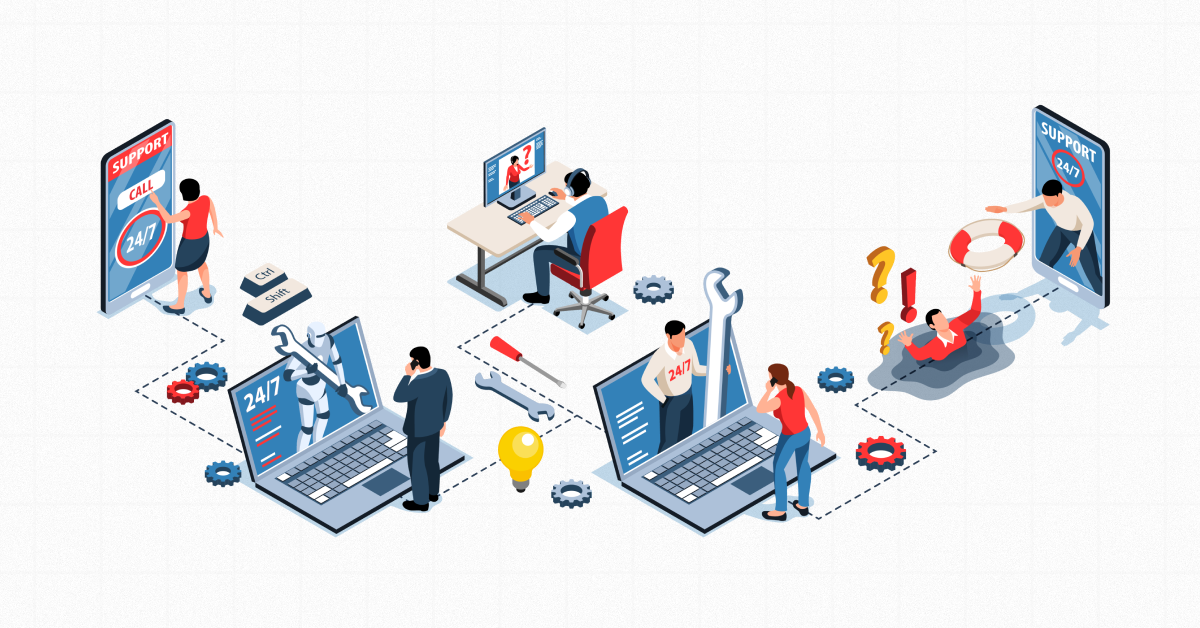
IT support is reactive — a technician fixes problems after they happen, usually billed by the hour. Fully managed IT support is proactive — a dedicated publisher monitors, maintains, and secures your entire tech ecosystem for a fixed monthly fee and catches issues before they cause downtime. Most growing small organizations grow beyond traditional IT support in a 2–3 year model and manage a gap fee and low disruption.
Why This Question Matters for Your Business
If your computers keep breaking down, your team keeps waiting on hold with tech support, and every fix seems to cost more than the one you are not alone. This is something that a lot of business owners in Santa Fe and Albuquerque ask about before they switch to a new IT provider. The answer to this question is really important because it affects your budget, the security of your business, and the time you have to spend on tech problems instead of doing what you are supposed to do, which is run your business and make sure it is successful. Your budget and your security are directly impacted by the IT provider you choose. That is why small business owners in Santa Fe and Albuquerque ask about this before making a decision.
At Zia Networks, we’ve supported New Mexico businesses since 2014, and this exact conversation — traditional IT support vs. fully managed IT support — comes up in nearly every discovery call we have. Here’s a clear, honest breakdown of both models so you can decide what actually fits your business.
What Is Traditional IT Support?
The traditional IT guide is the spoils-restore version. When something goes wrong, you name a technician — the server crashes, your laptop won’t start up, email stops syncing — and you pay for the time it takes to restore it, usually by the hour or through tickets.
Characteristics of traditional IT support:
- Gushibh — Mudde Utpadyante Tada Ev Sambodhitah Bhavanti.
- Billing per hour or per event.
- No ongoing monitoring of your structures.
- Feedback instances are based on technician availability.
- Month-to-month costs are unpredictable.
- No proactive repairs, patches, or safety checks.
This version can work for very few operations with minimal technical dependency. But for most businesses today—where email, payment systems, shopper data, and day-to-day operations run through connected devices—responsive help is a real threat, and by the time you notice problems, you may already have cost productivity, revenue, or worse, a security breach.

What Is Fully Managed IT Support?
A fully managed IT support translates the version. Without looking to disrupt anything, a managed services company (MSP) like Zia Networks performs continuous video monitoring, protecting and securing your IT environment — regularly catching and resolving issues before you even notice them.
Characteristics of fully managed IT support:
- Proactive — 24/7 monitoring identifies issues before they become downtime.
- Flat monthly fees, so your expenses are predictable, and your budget is easy
- Including cybersecurity, backup of records, and compliance.
- A committed team that knows your structures, no longer a different technician every time.
- Regular maintenance, software updates, and patch management are covered.
- Strategic IT design plans that align with your business goals, not just a firestorm.
This is the model most businesses move to once they realize downtime, security risk, and unpredictable bills are costing them more than a managed relationship would.
IT Support vs. Fully Managed IT Support: Side-by-Side Comparison
Factor | Traditional IT Support | Fully Managed IT Support |
Approach | Reactive (fix after failure) | Proactive (prevent before failure) |
Billing | Hourly / per-incident | Flat monthly fee |
Monitoring | None | 24/7 system monitoring |
Cybersecurity | Not typically included | Built into the service |
Cost predictability | Low — bills vary monthly | High — fixed monthly cost |
Response time | Depends on availability | Defined service-level agreement (SLA) |
Best for | Very small, low-tech-dependence operations | Growing businesses rely on daily IT uptime |
How to Know Which One Your Business Needs
Ask yourself these three questions:
1. Does downtime give you value for money or for customers?
Ans: If yes, responsive help is a liability — every hour of free time is an hour you no longer bill, spend, or produce.
2. Do you handle sensitive records (customer data, payment information, healthcare or monetary data)?
Ans: Fully managed IT support typically includes security monitoring and compliance assistance that doesn’t help with wiping and repair.
3. Do you want a temporary monthly cost, or are you comfortable with IT bills that spike when something breaks?
Ans: If any of these gave you pause, it’s usually a sign your business has outgrown the break-fix model.
Why New Mexico Businesses Choose Zia Networks for Managed IT
We’ve worked with Santa Fe and Albuquerque businesses for over 10 years, and one pattern shows up again and again: companies that switch to fully managed IT support stop thinking about their technology and start focusing on their business. Our approach focuses on:
- Fast response with clearly defined service commitments.
- Clear communication — no jargon, no guessing what’s happening with your systems.
- 24/7 monitoring and data security, so issues get caught before they become emergencies.
- Fewer recurring issues, because we fix root causes, not just symptoms.
If you want to see how this looks for your specific business, schedule a free discovery call — we’ll assess your current setup and show you exactly where a managed approach would save you time and money.
Frequently Asked Questions
1. Is fully managed IT support more expensive than traditional IT support?
Not usually. While the flat monthly fee can look higher than an occasional break-fix bill, managed IT support typically costs less overall once you factor in prevented downtime, fewer emergency repairs, and included cybersecurity — expenses that add up quickly under a reactive model.
2. What’s included in fully managed IT support?
Most fully managed IT support plans include 24/7 network monitoring, help desk support, data backup and disaster recovery, cybersecurity protection, software patching and updates, and strategic IT planning — all under one predictable monthly fee.
3. How is managed IT support billed?
Managed IT support is billed as a flat monthly fee, usually based on the number of users or devices covered. This differs from traditional IT support, which is billed hourly or per service ticket.
4. Can a small business benefit from managed IT services, or is it only for larger companies?
Small businesses often benefit the most. Since small teams typically can’t absorb the cost of major downtime or a data breach, proactive monitoring and predictable pricing under a managed model reduce financial risk significantly.
5. How do I switch from traditional IT support to a managed IT provider?
The typical process starts with a discovery call to assess your current systems, followed by a customized proposal outlining your plan, and then onboarding — where the new provider audits, secures, and begins monitoring your environment. At Zia Networks, this process starts with a no-obligation consultation.
6. What’s the difference between an MSP and IT support?
An MSP (Managed Service Provider) delivers fully managed IT support — ongoing, proactive management of your technology. “IT support” is a broader term that can refer to either reactive break-fix help or the support delivered by an MSP as part of a managed plan.
Ready to Stop Reacting to IT Problems?
If you’re tired of unpredictable IT bills and constant tech interruptions, it may be time to explore fully managed IT support. Book a call with Zia Networks today and find out how proactive IT can protect your business — and your budget.
