LinkedIn may seem safer than other social media sites because people use their real names, job titles, and company information. But that is exactly why scammers like it.
Cybercriminals use LinkedIn to trick employees with fake job offers, phishing links, and messages pretending to be from company leaders or trusted businesses. Since the messages look professional and believable, employees are more likely to trust them.
If your employees use LinkedIn, your business could be a target.
Why Scammers Use LinkedIn
LinkedIn gives scammers a lot of information for free. By looking at employee profiles, they can learn:
- Where someone works
- Their job title
- Who their manager is
- What software or tools the company uses
- Which clients the company works with
Scammers use this information to create messages that look real and personal. This type of attack is called social engineering because it tricks people instead of hacking systems directly.
For example, a message that includes your company name and boss’s name feels more trustworthy than a random email.

Common LinkedIn Scams
1. Fake Job Offers
This is one of the most common scams on LinkedIn today.
An employee may receive a message from someone pretending to be a recruiter from a well-known company. The “job offer” sounds exciting, with better pay or flexible work.
The fake recruiter may ask the employee to:
- Download a file
- Fill out an application
- Complete a test
- Share personal information
The file could contain malware, or the form could steal information like passwords, bank details, or Social Security numbers.
Many fake recruiter profiles look real. They may include profile photos, work history, and connections.
2. Fake Executives or Vendors
Scammers sometimes create fake profiles pretending to be:
- The CEO
- The CFO
- A manager
- A trusted vendor
They may message employees and ask for urgent actions like:
- Sending money
- Buying gift cards
- Updating payment information
- Sharing login credentials
Because the message appears to come from someone important, employees may respond without checking first.
3. Phishing Links
Scammers may send links that look harmless, such as:
- Webinar invitations
- Shared documents
- Job listings
- Whitepapers
The link leads to a fake login page that looks like Microsoft 365, Google Workspace, or LinkedIn.
If the employee enters their username and password, the scammer steals the login information.
Often, scammers spend time building trust before sending the link.
4. Fake Investment or Partnership Opportunities
Some scammers target business owners, executives, or sales teams with “business opportunities.”
They may offer:
- Partnerships
- Investments
- Exclusive deals
Eventually, they ask for money, sensitive information, or downloads that contain malware.
Because the scammer researched the business first, the offer can sound believable.

Who Is Most at Risk?
Anyone on LinkedIn can be targeted, but some employees face higher risk.
Finance and Accounting Teams
These employees handle payments and company money, making them common targets for fraud.
HR and Recruiting Staff
They regularly communicate with strangers online, which makes fake profiles harder to spot.
New Employees
New workers may not know normal company communication habits yet and may trust fake messages more easily.
Executives and Business Owners
Scammers may try to steal their accounts or pretend to be them to trick other employees.

7 Ways to Protect Your Team
1. Train Employees About Scams
Employees should learn how to recognize warning signs, including:
- New or suspicious profiles
- Urgent requests
- Requests for passwords or payments
- Links to outside websites
Short training sessions throughout the year work better than one long yearly meeting.
2. Verify Financial Requests
Employees should never approve payments or gift card purchases based only on a LinkedIn message.
Create a rule that all financial requests must be confirmed another way, such as:
- A phone call
- A Slack message
- An in-person conversation
This helps prevent expensive mistakes.
3. Limit Public Information
Employees do not need to remove LinkedIn completely, but they should avoid sharing too many details publicly.
For example, they may not need to list:
- Every software tool the company uses
- Every client they work with
- Internal company details
The less information available, the harder it is for scammers to create believable attacks.
4. Use Multi-Factor Authentication (MFA)
MFA adds an extra layer of protection to accounts.
Even if a scammer steals a password, they still cannot log in without the second verification step.
Businesses should require MFA for:
- Microsoft 365
- Google Workspace
- Email accounts
- Other important business systems
5. Turn On LinkedIn Security Features
Employees should:
- Enable two-step verification
- Review connected apps
- Check active login sessions
- Turn on login alerts
These settings only take a few minutes to set up but can greatly improve account security.
6. Encourage Employees to Report Problems
Employees may feel embarrassed if they click a bad link or fall for a scam.
But reporting quickly helps IT teams stop damage faster.
Create a workplace culture where employees feel comfortable reporting suspicious activity without fear of punishment.
7. Work With Your IT Provider
A managed IT provider can help protect your business with:
- Email filtering
- Device monitoring
- Security assessments
- Dark web monitoring for stolen credentials
Scammers constantly change their tactics, so ongoing protection is important.
What To Do If Someone Falls for a Scam
If an employee is tricked by a scam:
- Act quickly
- Disconnect the affected device from the network
- Change passwords immediately
- Contact your IT provider
- Notify affected clients or users if necessary
- Use the incident as a learning opportunity for the team
Fast action can reduce the damage.
How Does Zia Networks Help?
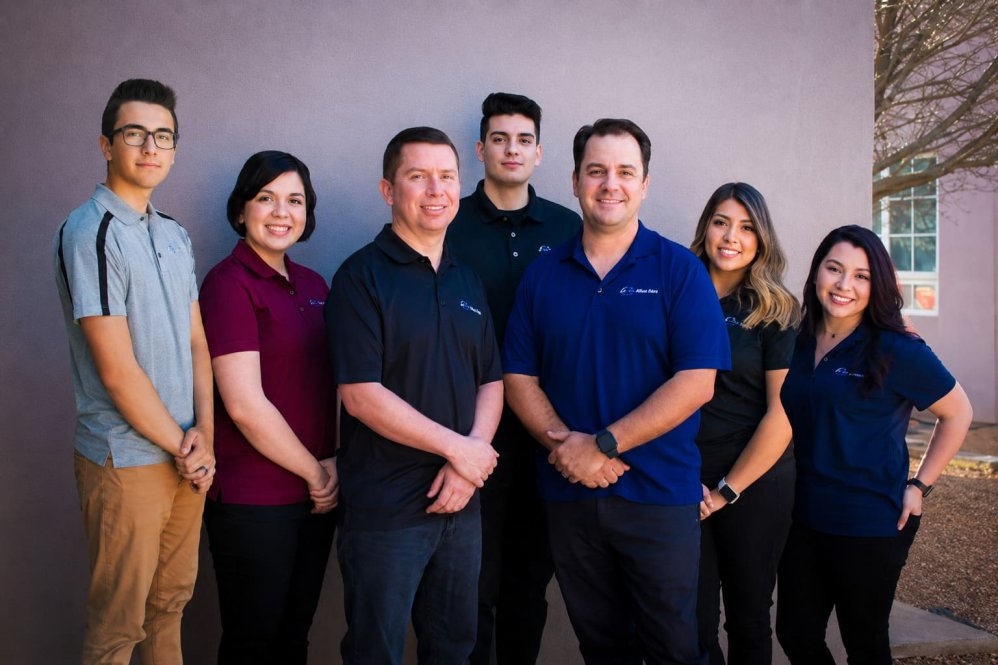
At Zia Networks, we help businesses strengthen their cybersecurity with both employee training and technical protection. We provide security awareness training to help employees recognize phishing scams, suspicious messages, and social engineering attacks before they become serious problems.
If you would like to learn more about us, tour our website – especially our Cyber Security page.