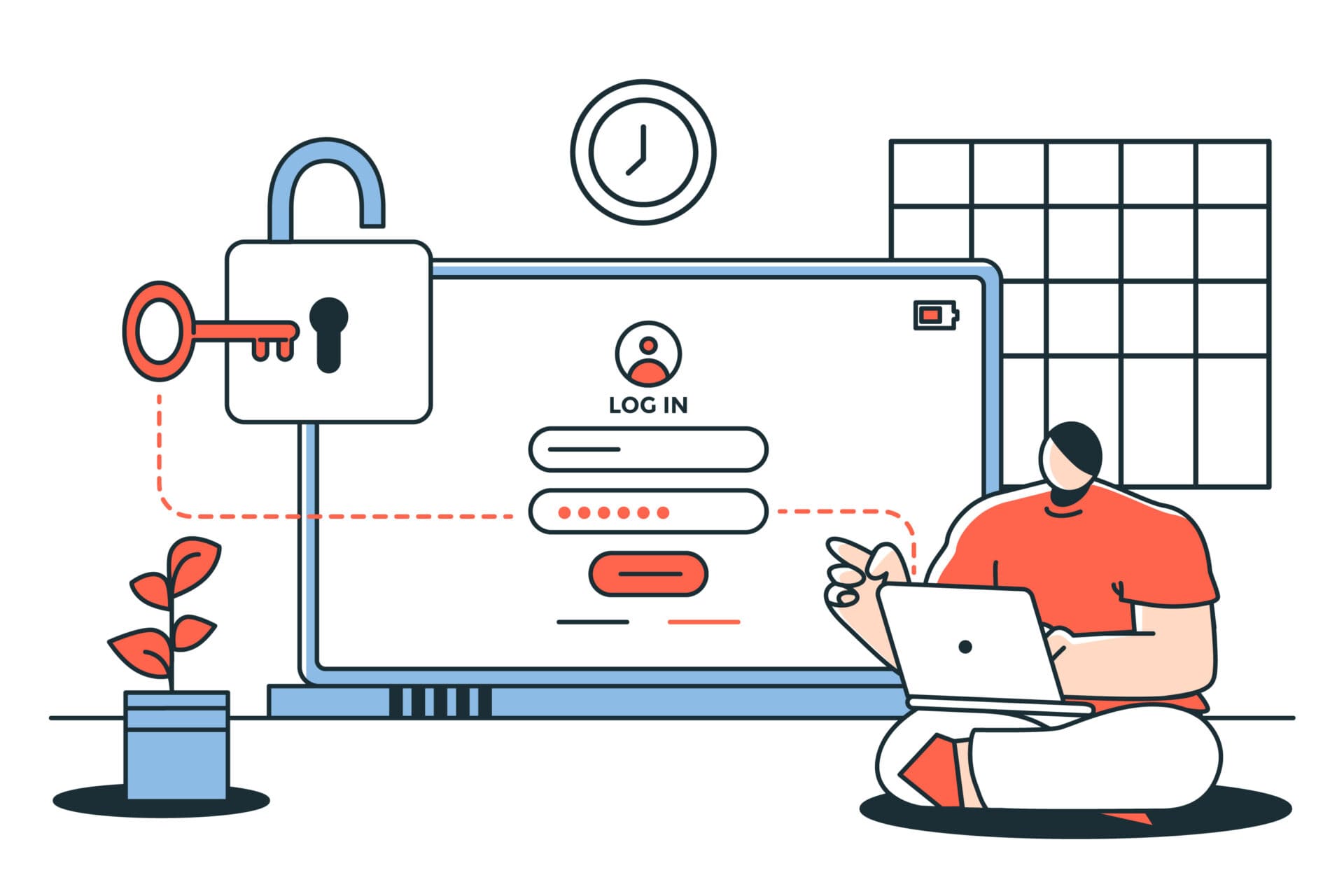
A password manager for business can take the stress out of managing dozens of passwords while significantly improving your organization’s security. Let’s be real—keeping track of passwords is a nightmare. You’ve got countless accounts, every website has different password requirements, and if you’re creating strong, unique passwords for each one (which you should), there’s no way you’re going to remember them all.
So what do most people do? They reuse the same password across multiple accounts or choose something simple enough to remember. Unfortunately, that’s exactly what cybercriminals are counting on. If one account is compromised, reused passwords can give attackers access to multiple systems, putting sensitive business data at risk.
There’s a better way — and it’s called a password manager.
What Is a Password Manager?
Think of a password manager like a super secure digital vault that stores all your passwords in one place. Instead of trying to remember 30 different login combinations — or worse, writing them on a sticky note on your monitor — your password manager remembers everything for you.
When you go to log into an account, it automatically fills in your username and password. No hunting through your notes app. No clicking “forgot my password” for the fifth time this week. It just works.
And the best part? It works across all your devices — your desktop, laptop, phone, and tablet — so you’re covered whether you’re in the office or working remotely.
For a business, this is a game changer. Instead of employees using weak passwords or sharing login info over email (more on why that’s dangerous in a moment), everyone gets a secure, organized system that makes good password habits almost effortless.
“But Can’t Password Managers Get Hacked?”
This is the first question almost everyone asks — and it’s a fair one. If all your passwords are in one place, that sounds like one really tempting target for hackers, right?
Here’s the thing: password managers are built with serious security in mind. They use something called encryption, which scrambles your data into unreadable code. So even if a hacker somehow broke in, all they’d see is a jumbled mess that’s essentially useless to them.
Most password managers also include extra layers of protection like two-factor authentication (2FA), which means that even if someone got your master password, they’d still need a second form of verification — like a code sent to your phone — to actually get in.
Is any system 100% unhackable? No, honestly. But a password manager with strong encryption and 2FA is dramatically more secure than a spreadsheet full of passwords, a sticky note on your desk, or the same recycled password used across 20 accounts.
To keep things as secure as possible, just follow these three rules:
- Create a strong, unique master password
- Enable two-factor authentication
- Keep your password manager app updated
Do those three things and your passwords will be safer than they’ve ever been.
What Features Should You Look For?
Not all password managers are created equal. Here are the features that really matter — especially for a small business:
Password Generator — Instead of coming up with a strong password yourself, the manager creates one for you. We’re talking long, random, impossible-to-guess combinations that no hacker is cracking anytime soon. It can generate passwords, passphrases, and even usernames.
Secure Password Sharing — Need to share a login with a teammate? A password manager lets you do that safely, without sending passwords over email or — please don’t do this — texting them. Shared passwords stay encrypted the whole time.
Permission Controls — Not everyone on your team needs access to everything. Password managers let you set different levels of access for different employees, so people only see the logins they actually need. This is huge for keeping sensitive accounts secure.
Security Alerts — Your password manager will warn you if any of your passwords are weak, reused across multiple accounts, or show up in a known data breach. Think of it as a security check-up that runs automatically in the background.
Audit and Reporting Tools — As a business owner, you can see exactly who has access to what. If an employee leaves the company, you can immediately revoke their access. If something looks off, you’ll be able to spot it quickly.
Which Password Manager for Business Should You Choose?
There are a lot of options out there, but here are four of the most trusted ones for small businesses:
1Password — A top pick for teams. It’s user-friendly, has strong security features, and makes sharing passwords between teammates simple and safe.
Dashlane — Comes with built-in dark web monitoring, meaning it actively searches for your information in places it shouldn’t be and alerts you if something turns up.
LastPass — One of the most widely used password managers out there, with a solid set of business-focused features and an easy learning curve for new users.
Bitwarden — An open-source option that’s highly transparent about its security practices, very affordable, and trusted by security experts. Great if budget is a concern.
Not sure which one is right for your team? Most of these offer free trials. Take a couple for a test drive before committing — you’ll know pretty quickly which one clicks for your team.
The Bottom Line
A password manager won’t solve every cybersecurity problem your business might face, but it eliminates one of the biggest and most common ones — weak, reused, and poorly managed passwords. It makes your team more secure, saves everyone time, and removes the headache of trying to remember dozens of different logins.
For a small business, that’s a pretty big deal.
How Zia Networks Can Help
At Zia Networks, we practice what we preach — we actually use a password manager ourselves (one of the ones listed above, in fact!). We know firsthand how much easier and safer it makes managing credentials.
We can help your business choose the right password manager, get it set up, and make sure your whole team knows how to use it properly. Because strong security shouldn’t be complicated — it should just work.
Ready to make password headaches a thing of the past? Give us a call today.