You changed your password last month. It’s twelve characters. It has a symbol, a number, and no dictionary words. So you’re safe, right?
Not quite. Passwords leak all the time — a site you trusted gets breached, and next thing you know, your “strong” password is floating around in some hacker’s sale list. Or you click the wrong link in an email that looked just real enough, and you’ve handed it over yourself. None of that cares how many symbols or numbers you used. Your password could be a good lock on the front door — but if someone’s already got a copy of the key, the lock doesn’t matter.
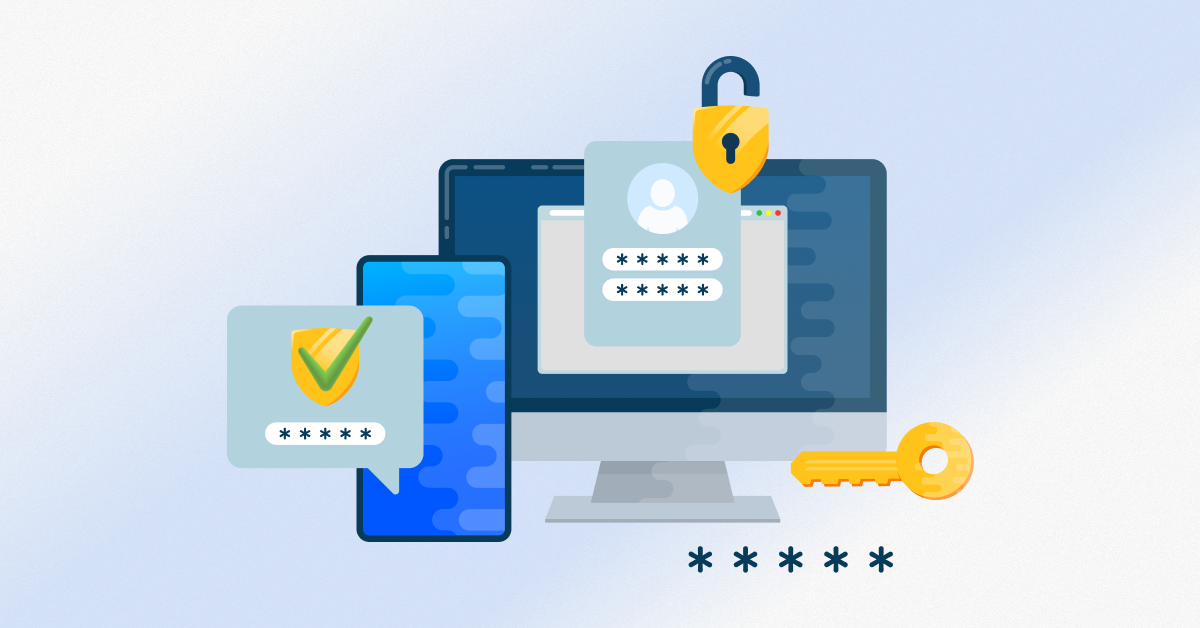
Multi-factor authentication is the fix: it’s a login process that requires two or more separate proofs of identity, not just a password, before granting access. It’s quickly becoming the baseline expectation for anyone who wants to keep their accounts, money, and identity safe online — and it’s exactly the kind of protection ZIA Networks helps individuals and small businesses put in place.
In this guide, we’ll break down what MFA actually is, how it works, how it compares to two-factor authentication, and how you can start using it today. This applies whether you’re protecting a personal email account or securing an entire small business.
What Is Multi-Factor Authentication?
At its core, MFA is about layering proof. A password alone just isn’t trusted anymore — so you back it up with something else. That “something else” usually falls into one of two buckets: something physical you’re holding, like your phone or a dedicated security key, or something built into you, like a fingerprint or your face. Stack any two of these together, and a password thief hits a wall they can’t get past with stolen data alone.
Here’s why that matters: even if someone gets your password, they’re stuck without that second piece. That’s the whole point. It’s also why your bank, your job, and half the apps on your phone won’t let you skip it anymore.
How Does Multi-Factor Authentication Work?
In practice, it looks like this:
- You type in your username and password, same as always.
- The system says “not so fast” and asks for one more thing.
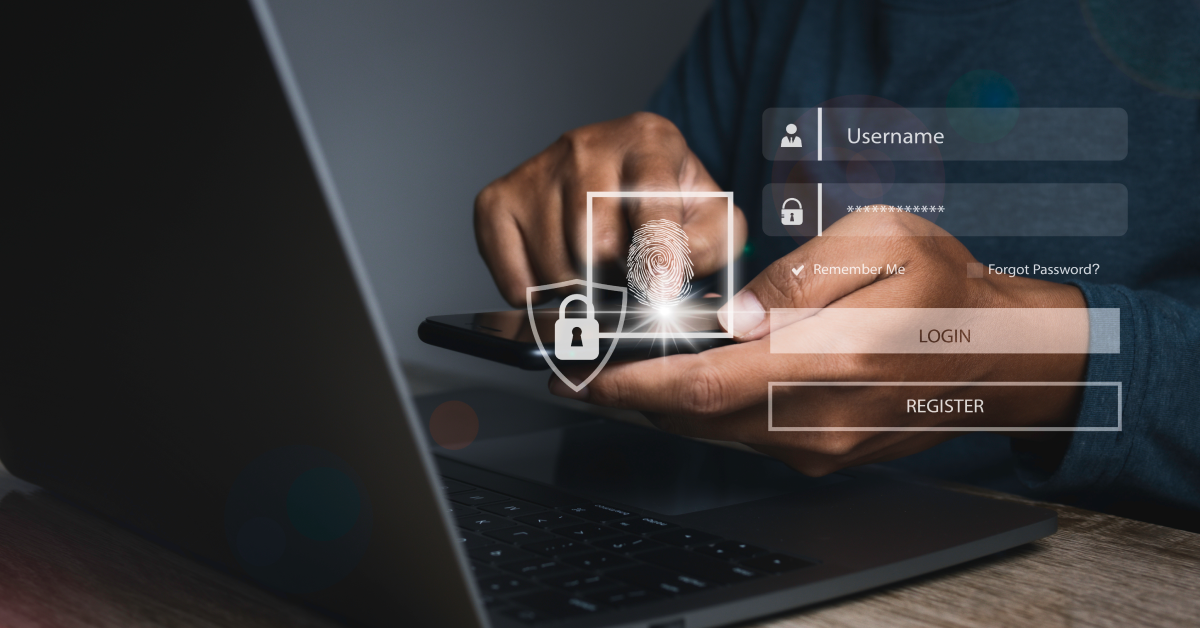
- You hand over that second factor — maybe a code from an app, a tap on a push notification, your fingerprint, or a physical key you plug in.
- Once both check out, you’re in.
Sure, it adds a few seconds to your login. But that’s a small price for shutting out most automated attacks. Even hackers holding a password stolen from some old data leak hit a wall right here.
Two-Factor Authentication vs Multi-Factor Authentication
People often use these terms interchangeably, but there’s a small distinction worth knowing. Two-factor authentication (2FA) always uses exactly two verification steps, usually a password plus a code. MFA is the broader umbrella term, meaning two or more factors. That could include a password, a code, and a biometric scan all together.
In everyday conversation, most people say “2FA” and “MFA” to mean the same thing. But technically, all 2FA is MFA. Not all MFA is limited to just two factors.
Why a Strong Password Isn’t Enough Anymore
Here’s the uncomfortable truth: password strength only protects you from guessing attacks. It does nothing against:
- Data breaches. If a company you use gets hacked, your password may already be sitting in a leaked database, no matter how complex it is.
- Phishing emails. A convincing fake login page can trick you into typing your perfect password directly into a criminal’s hands.
- Credential stuffing. Bots test your leaked password across hundreds of other sites, hoping you reused it.
- Keyloggers and malware. Malicious software can silently record every keystroke, strong password included.
This is why MFA has become non-negotiable. It doesn’t replace a strong password; it backs it up. Think of your password as the first checkpoint and MFA as the second guard who checks your ID before letting you through.
Real-World Example: Two-Factor Authentication Fortnite Accounts
Even gaming platforms have caught on. Epic Games actively pushes two-factor authentication. Fortnite players are to turn on — they’ll even throw in free rewards, like exclusive emotes, just for flipping the switch. Why would a game company care this much about login security? Because gaming accounts are worth more than people think. They’re holding purchased skins, V-Bucks, and sometimes a linked credit card — exactly the kind of stuff hackers love to resell.
And that’s the real takeaway here: if a company selling digital costumes for a video game takes multi-factor authentication seriously, that tells you something. Your email, your bank, and your work accounts deserve at least the same level of protection.
How to Protect My Bank Account From Hackers
If you’ve ever searched “how to protect my bank account from hackers”, MFA should be at the top of your list, alongside these habits:
- Turn on MFA for every financial app. Most major US banks now offer this, often through a text code, push notification, or authenticator app.
- Avoid public Wi-Fi for banking. Use your phone’s data or a trusted network instead.
- Set up account alerts. Many banks let you get instant texts or emails for any login or transaction.
- Never share one-time codes. Legitimate banks will never ask you to read a code back to them over the phone.
Banks lose billions annually to account takeover fraud. MFA remains one of the single most effective tools for preventing it.
Setting Up MFA: A Quick Google Authenticator Setup Guide
Want to add a second layer of protection today? A Google Authenticator setup takes less than five minutes:
- Download the Google Authenticator app from the App Store or Google Play.
- Go into the security settings of the account you want to protect, such as email, social media, or a banking app.
- Select “Enable two-factor authentication” or “Set up authenticator app”.
- Scan the QR code shown on screen using the app.
- To verify the setup, enter the six-digit code that the app creates.
- Save your backup codes somewhere safe, in case you ever lose your phone.
The program creates a new code every 30 seconds after it is configured. That gives you a constantly refreshing second layer of protection that no password thief can predict.
2FA Multi-Factor Authentication for Small Businesses in the USA
Cybercriminals often target small business owners, which may come as a surprise to them. And that is the very reason they often have weaker defences than large corporations. Rolling this out doesn’t have to be expensive or complicated:
- Start with email and financial accounts. These are the highest-value targets for business email compromise scams.
- Skip SMS if you can — use an authenticator app instead. Texts can get intercepted through SIM-swapping, which happens more often than people realise.
- Don’t just protect the higher-ups. One unguarded login anywhere in the company is all it takes for an attacker to get in.
- Choose vendors that support single sign-on with built-in MFA. This simplifies management as your team grows.
For a small business, the cost of enabling this protection is measured in minutes. The cost of not enabling it, after a breach, is measured in lost revenue, legal fees, and customer trust.
Account Security Best Practices Beyond MFA
MFA does a lot of heavy lifting, but it’s not the whole story. Pair it with a few other habits and you’re in genuinely good shape:
- Get a password manager. Stop reusing passwords or tweaking the same one slightly for every site. Let the manager generate something random and unmemorable for you — that’s the point.
- Update your stuff. Boring, I know, but those app and software updates usually patch holes hackers are actively exploiting. Don’t sit on them for months.
- Take a look at what’s connected to your accounts. Old apps, old devices, that one game you linked your Google account to in 2019 — clean it out every so often.
- Slow down on links and attachments, especially in texts or emails you weren’t expecting. Urgency is the tell. If something’s pushing you to act right now, that’s usually the scam talking.
- Turn on login alerts. A quick text or email the second someone tries to get into your account beats finding out three weeks later that they succeeded.
None of these alone will save you. But stack them on top of MFA, and you’ve made yourself a genuinely annoying target — which, in security terms, is exactly what you want to be.
How ZIA Networks Helps You Stay Secure
At ZIA Networks, we work with individuals and businesses across the USA to get real security in place — the kind that doesn’t require a computer science degree to manage. Rolling out MFA across your whole company, figuring out which authenticator tool actually makes sense for your setup, or just wanting someone to take an honest look at your current defences? That’s what we do, and we’ll walk you through it, not just hand you a checklist and disappear.
Your strong password got you this far. It’s multi-factor authentication that carries you the rest of the way.
FAQs
1. Is MFA really necessary if I already have a strong password?
Yes — and it’s not even close. A strong password does one job well: it stops someone from guessing their way in. But it’s got nothing against phishing, a breach on some company’s end, or malware sitting quietly on your machine logging every keystroke. Add a second step, and a stolen password alone just isn’t enough anymore.
2. What’s the difference between two-factor authentication and MFA?
Basically, 2FA is just one flavour of MFA. Two-factor means exactly two steps, no more, no less. MFA is the umbrella term — two, three, however many factors you’re stacking. So every 2FA setup is technically MFA, but not every MFA setup stops at two.
3. What’s the easiest way to get started?
Grab a free authenticator app — Google Authenticator is the obvious choice — and turn it on through your account’s security settings. That’s really it. Takes less time than you’d think, and it’s the fastest route to actually being protected.
4. Do small businesses in the USA really need this?
Yes, and probably more than they realise. Attackers go after small businesses precisely because there’s no security team standing between them and the front door. And the fix is almost embarrassingly simple: turn it on. That’s one of the cheapest, highest-payoff moves a small business can make.
5. Can this type of authentication be hacked?
Nothing’s completely unhackable — anyone who tells you otherwise is selling something. But stacking multiple factors shuts down the vast majority of the attacks that actually happen day to day: bots, credential stuffing, and phishing at scale. Compared to a password sitting there alone, it’s a different world.
